
PowerPoint プレゼンテーションのスライドを追加・削除することは、プレゼンテーションの構造と内容を制御するために不可欠な操作です。スライドを追加することで、新しいトピックの導入や補足情報の提供など、プレゼンテーションを拡張・強化できます。一方、スライドを削除することで、冗長な内容や不要な内容を削除し、プレゼンテーションを整理できます。
Spire.Presentation for Python を使用すると、開発者は数行のコードで PowerPoint プレゼンテーションのスライドを追加・削除できます。本記事では、末尾へのスライド追加、特定スライドの前に挿入、およびスライドの削除方法を紹介します。
クイックナビゲーション
1. Spire.Presentation for Python のインストール
このシナリオには Spire.Presentation for Python と plum-dispatch v1.7.4 が必要です。pip を介してインストールします。
pip install Spire.Presentation
Python スクリプトで必要なモジュールをインポートします。
from spire.presentation.common import *
from spire.presentation import *
または、Spire.Presentation for Python のダウンロードページ から手動でライブラリをインストールすることもできます。
2. 末尾に新しいスライドを追加
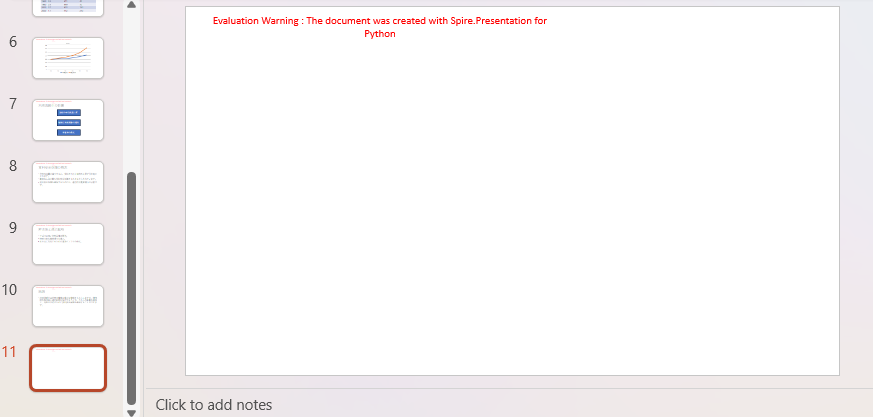
Spire.Presentation for Python の Presentation.Slides.Append() メソッドを使用すると、PowerPoint プレゼンテーションの最後のスライドの後に新しいスライドを追加できます。
from spire.presentation.common import *
from spire.presentation import *

# Presentation オブジェクトを作成
presentation = Presentation()

# PowerPoint プレゼンテーションを読み込む
presentation.LoadFromFile("Sample.pptx")

# プレゼンテーションの末尾に新しいスライドを追加
presentation.Slides.Append()

# 結果を .pptx ファイルとして保存
presentation.SaveToFile("AddSlide.pptx", FileFormat.Pptx2013)
presentation.Dispose()
3. 特定のスライドの前に新しいスライドを挿入
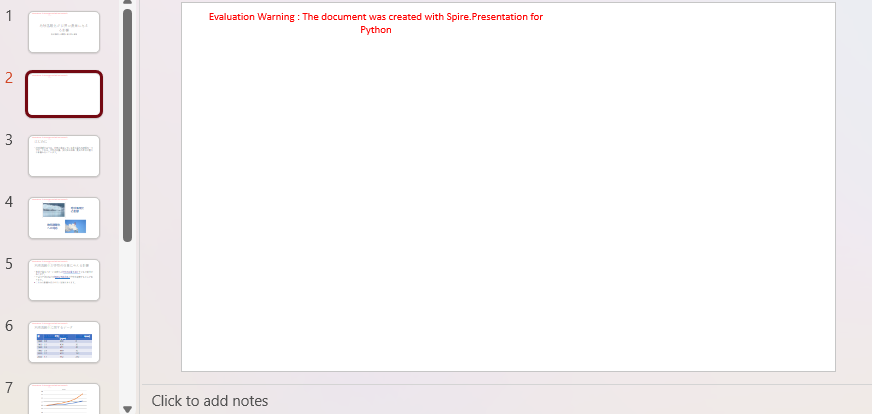
Presentation.Slides.Insert() メソッドを使用すると、PowerPoint プレゼンテーションの特定のスライドの前に新しいスライドを挿入できます。
from spire.presentation.common import *
from spire.presentation import *

# Presentation オブジェクトを作成
presentation = Presentation()

# PowerPoint プレゼンテーションを読み込む
presentation.LoadFromFile("Sample.pptx")

# 2 番目のスライドの前に空白のスライドを挿入
presentation.Slides.Insert(1)

# 結果を .pptx ファイルとして保存
presentation.SaveToFile("InsertSlide.pptx", FileFormat.Pptx2013)
presentation.Dispose()
4. 特定のスライドを削除
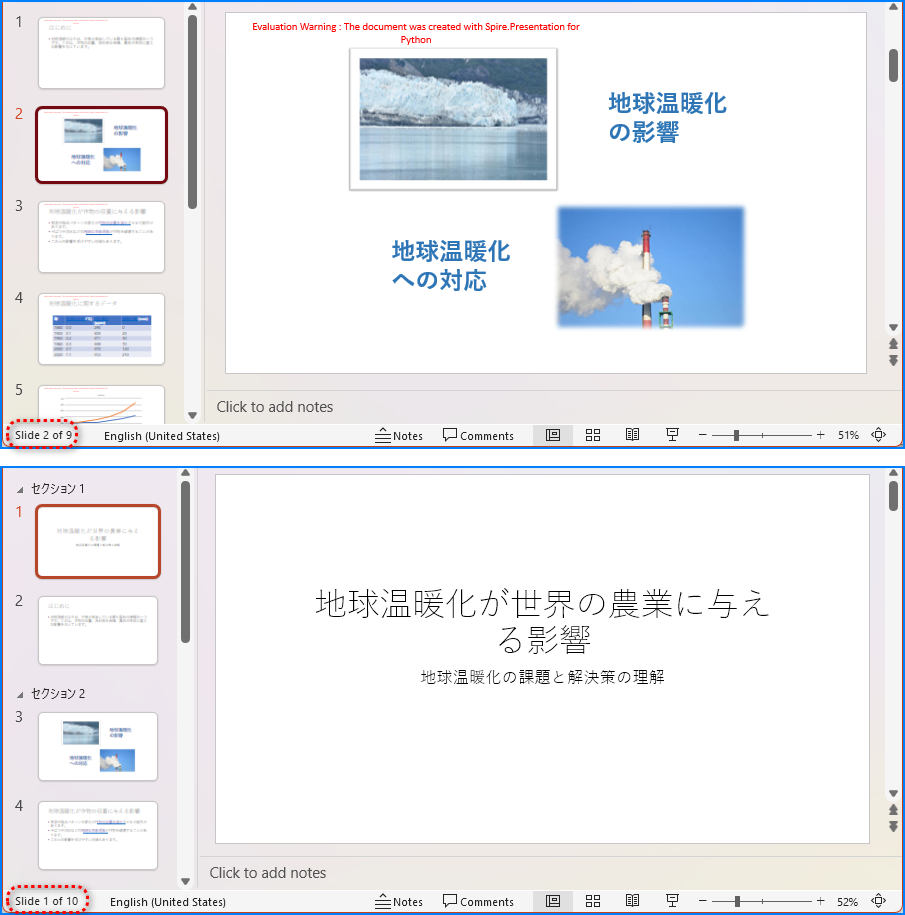
Presentation.Slides.RemoveAt() メソッドを使用すると、PowerPoint プレゼンテーションから特定のスライドを削除できます。
from spire.presentation.common import *
from spire.presentation import *

# Presentation オブジェクトを作成
presentation = Presentation()

# PowerPoint プレゼンテーションを読み込む
presentation.LoadFromFile("Sample.pptx")

# 最初のスライドを削除
presentation.Slides.RemoveAt(0)

# 結果を .pptx ファイルとして保存
presentation.SaveToFile("RemoveSlide.pptx", FileFormat.Pptx2013)
presentation.Dispose()
まとめ
本記事では、Spire.Presentation for Python を使用して Python で PowerPoint プレゼンテーションのスライドを追加・削除する方法を実証しました。Slides.Append() で末尾にスライドを追加し、Slides.Insert() で特定のスライドの前に挿入し、Slides.RemoveAt() でスライドを削除できます。これらの機能は、プレゼンテーションの自動化、コンテンツ管理、動的なスライド生成に役立ちます。
Spire.Presentation for Python の全機能を評価したい場合は、30 日間の無料ライセンスを申請できます。